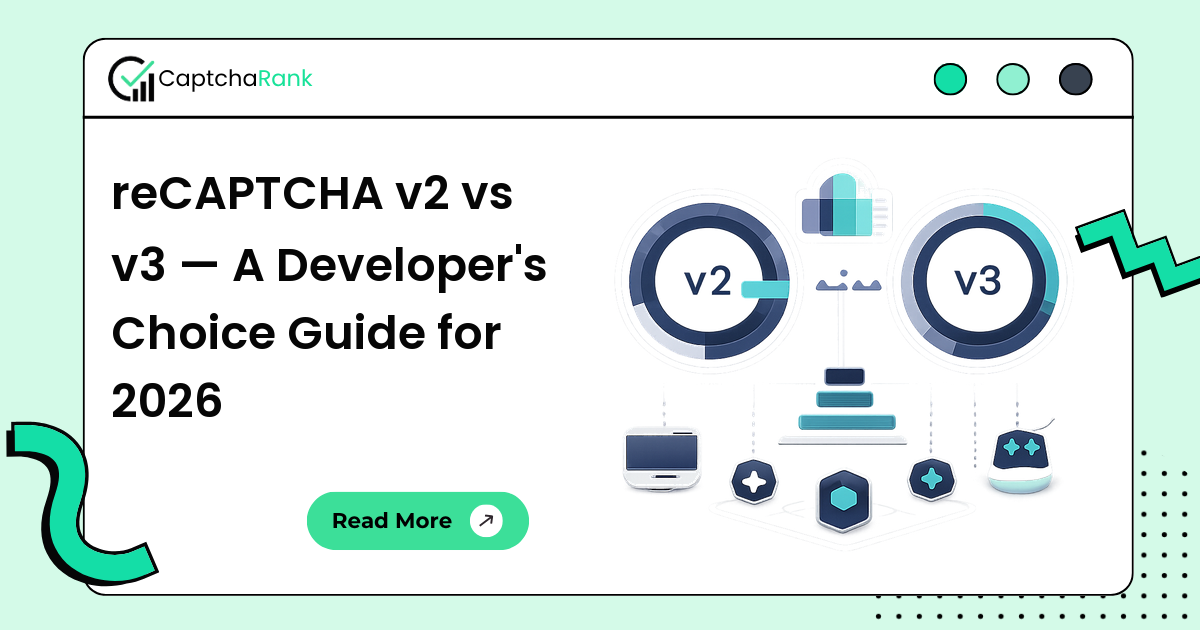
reCAPTCHA v2 and v3 are deceptively similar from a marketing page but solve different problems. v2 is a visible challenge — checkbox or invisible-with-fallback — that asks the user to prove they're human when the risk score is uncertain. v3 is silent: it returns a 0.0–1.0 score on every page load and leaves the action to your application logic.
If you're integrating reCAPTCHA on a new product in 2026, the version choice has long-term consequences: it shapes user friction, support load, integration code, and how easy your site is for legitimate automation (and bot operators) to clear.
What each version actually does
v2 checkbox renders a visible widget. The user clicks the checkbox; Google decides whether the click is enough or whether to prompt an image grid. If the grid appears, the user solves it; on success a token is written into a hidden form field.
v2 invisible is the same backend with no visible widget — the challenge is triggered programmatically (typically on form submit) and the user only sees a grid if Google's risk model decides one is needed.
v3 renders nothing visible. On every page view (or on every action you choose to instrument), Google's JavaScript collects telemetry and assigns a 0.0–1.0 score. Your backend reads the score from the verification response and decides what to do — block, allow, ask for additional verification, etc.
Integration code differences
v2 integration:
<form action="/submit" method="POST">
  <div class="g-recaptcha" data-sitekey="YOUR_SITE_KEY"></div>
  <button type="submit">Submit</button>
</form>
<script src="https://www.google.com/recaptcha/api.js"></script>
Form submit posts a g-recaptcha-response token. Your backend POSTs {secret, response, remoteip} to https://www.google.com/recaptcha/api/siteverify and gets a boolean success.
v3 integration:
<script src="https://www.google.com/recaptcha/api.js?render=YOUR_SITE_KEY"></script>
<script>
  grecaptcha.ready(function() {
    grecaptcha.execute('YOUR_SITE_KEY', {action: 'login'}).then(function(token) {
      document.getElementById('recaptcha_token').value = token;
    });
  });
</script>
Backend verification returns success, score (0.0–1.0), and action. Your code decides the threshold (Google recommends 0.5).
User experience trade-offs
v2's grid challenges add user friction every time the risk score is uncertain. The image puzzles ("select all squares with a bus") are slow on mobile and cause measurable drop-off in conversion-critical funnels — sign-up, checkout, contact forms.
v3 has no user-visible challenge, so the friction is zero — but every false positive is your code's fault. If your threshold is too high you'll silently block legitimate users; too low and bots walk through. Designing the score-handling logic is more developer work than dropping in a v2 widget.
For flows where any friction kills conversion, v3 wins. For flows where you want a visible "prove you're human" gate (account recovery, sensitive admin actions), v2 invisible (challenge on submit) is the better fit.
What this means for solvers and automation
From an automation engineer's perspective, the two versions need different solver workflows.
v2 solvers (CaptchaAI, 2Captcha, etc.) take the site key, the page URL, and an optional cookie/proxy and return a token in 8–14 seconds. Cost is around $1 / 1k. The token is single-use and short-lived (~120 seconds).
v3 solvers need the site key, the page URL, and the action name; some require additional context (page domain, referrer). Returned tokens carry a score. A v3 solver that returns 0.7+ tokens consistently is what you want to pay extra for — many cheaper providers return 0.3 tokens that get blocked by any reasonable threshold. See best reCAPTCHA v3 solver for current scoring data.
Decision matrix
| Use case | Pick |
|---|---|
| Public newsletter signup | v3 (no friction) |
| Account recovery | v2 invisible (visible gate when risk uncertain) |
| Admin login | v2 checkbox (explicit confirmation) |
| High-conversion signup form | v3 + soft challenges on borderline scores |
| Public-comment forms | v3 (zero UX cost) or v2 invisible |
| Anti-scraping front door | Switch to Cloudflare Turnstile or hCaptcha — neither v2 nor v3 is enough |
If you're not sure, default to v3 with a 0.5 threshold and v2 invisible as a fallback for borderline scores. It's the modern recommended pattern.
FAQ
Does Google still support reCAPTCHA v2?
Yes. v2 remains fully supported as of 2026 and Google has not announced an end-of-life date. New integrations should default to v3, but existing v2 integrations are safe to keep.
Can I run v2 and v3 on the same page?
Yes. The two libraries co-exist; you can call grecaptcha.execute() for v3 and render a v2 widget on the same page. The most common pattern uses v3 to score every page view and only renders a v2 challenge if the v3 score is below threshold.
What does the v3 score actually mean?
It's a 0.0–1.0 risk score where 1.0 means 'almost certainly human' and 0.0 means 'almost certainly bot'. Google recommends 0.5 as the threshold, but real production traffic varies — most sites land in 0.7–0.9 for legitimate users and 0.1–0.3 for bots, so 0.5 is a reasonable cutoff.
Are v3 tokens harder for solvers to clear?
Yes — and the price reflects it. v3 tokens cost roughly 2× v2 tokens because the solver has to produce a token that scores 0.7+ rather than just a 'pass/fail' grid solve. Cheap providers often return 0.3 tokens that get blocked at any reasonable threshold.
See live solver performance for both reCAPTCHA versions on CaptchaRank — visit captcharank.com/solvers for the live leaderboard or captcharank.com/compare for head-to-head provider comparisons.