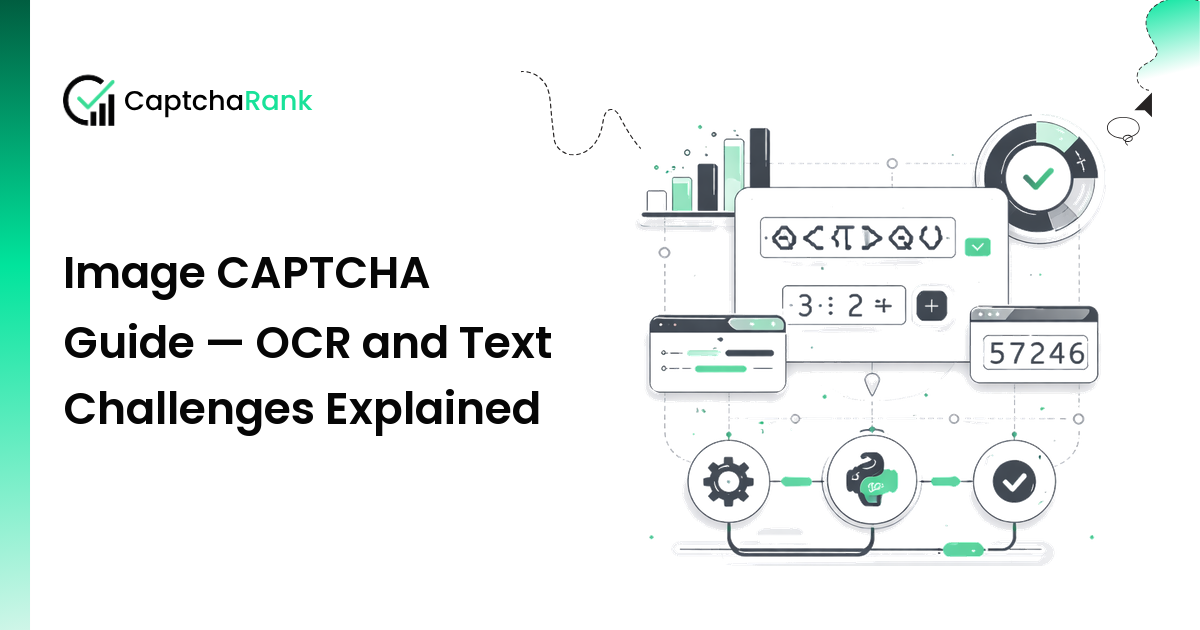
Image CAPTCHAs — distorted characters, letter sequences, math expressions, or any text embedded in an image — are the oldest and most widely understood CAPTCHA type. Despite the rise of behavioral challenges like reCAPTCHA v3 and Turnstile, image CAPTCHAs remain common on government portals, legacy banking systems, forums, and any site that hasn't migrated to a modern CAPTCHA service.
This guide covers the different image CAPTCHA variants, how OCR-based and human-worker solver APIs handle them, and how to integrate them in Python.
Types of Image CAPTCHAs
Image CAPTCHAs are not a single product — they span several distinct challenge types:
| Type | Description | Difficulty | Common Deployments |
|---|---|---|---|
| Text CAPTCHA | Distorted alphanumeric characters | Low–Medium | Legacy forms, forums, government sites |
| Math CAPTCHA | Simple arithmetic ("3 + 7 = ?") | Low | Blog comments, registration forms |
| Word CAPTCHA | Real words with noise/distortion | Low–Medium | News sites, older e-commerce |
| reCAPTCHA v1 (legacy) | Scanned word pairs | Medium | Effectively deprecated |
| Custom OCR | Proprietary text-in-image formats | Varies | Banking, ticketing, internal tools |
| Coordinate CAPTCHA | "Click on the car" / click-coordinate challenge | High | Advanced deployments |
| Audio CAPTCHA | Numbers read aloud (accessibility alternative) | Medium | Paired with visual CAPTCHAs |
The most common solver API pattern handles standard text/distorted image CAPTCHAs via base64 image submission.
How Image CAPTCHA Solvers Work
Solver APIs accept image CAPTCHAs via two methods:
- Base64-encoded image body — Pass the raw image data as a base64 string. The solver decodes, processes, and returns the recognized text.
- Image URL — Pass a publicly accessible URL to the image. The solver fetches and processes it.
Most pipelines use base64 because CAPTCHA images are usually dynamically generated and not publicly accessible by URL.
Human vs. AI solving: - Most major solvers use a combination: fast OCR/AI for simple patterns, human fallback for harder images - Human-worker solving is slower (20–60s) but handles unusual distortions - AI-only solving is faster (1–5s) but has higher failure rates on high-distortion images
Solver Support for Image CAPTCHAs
| Solver | Image CAPTCHA Support | Accuracy | Avg Solve Time | Notes |
|---|---|---|---|---|
| CaptchaAI | ✅ Full | ~97–99% | 3–8s | Highest OCR accuracy per CaptchaRank benchmark |
| 2Captcha | ✅ Full | ~94–97% | 8–20s | Long-running; human + AI hybrid |
| Anti-Captcha | ✅ Full | ~93–96% | 8–18s | Strong at custom/unusual formats |
| TrueCaptcha | ✅ Specialized | ~92–96% | 2–6s | OCR-focused service; competitive on standard text |
| DeathByCaptcha | ✅ Full | ~90–95% | 10–25s | Legacy provider; solid on classic CAPTCHAs |
| CapSolver | ✅ Full | ~92–95% | 5–12s | Fast; mainly used for modern types but handles image |
| CapMonster Cloud | ✅ Full | ~89–93% | 8–18s | Affordable at scale |
Accuracy varies with image difficulty. For high-distortion or custom CAPTCHA formats, human-worker solvers (Anti-Captcha, 2Captcha) typically outperform AI-only pipelines.
How to Solve Image CAPTCHAs in Python
Method 1 — Base64 Image Submission (Most Common)
import base64
import requests
import time

def image_to_base64(image_path: str) -> str:
    """Read an image file and encode it as base64."""
    with open(image_path, "rb") as f:
        return base64.b64encode(f.read()).decode("utf-8")

def solve_image_captcha(
    api_key: str,
    image_path: str = None,
    image_base64: str = None,
    numeric: int = 0,
    min_len: int = 0,
    max_len: int = 0,
    phrase: int = 0,
    case_sensitive: int = 0,
) -> str:
    """
    Solve an image CAPTCHA using CaptchaAI (2Captcha-compatible API).

    Parameters:
      numeric: 0=any, 1=digits only, 2=letters only
      min_len: minimum answer length (0 = no constraint)
      max_len: maximum answer length (0 = no constraint)
      phrase: 1 if answer contains a space
      case_sensitive: 1 if answer is case-sensitive

    Returns the recognized text string.
    """
    if image_path:
        image_base64 = image_to_base64(image_path)
    if not image_base64:
        raise ValueError("Provide either image_path or image_base64")

    payload = {
        "key": api_key,
        "method": "base64",
        "body": image_base64,
        "json": 1,
    }
    # Optional hint parameters
    if numeric:
        payload["numeric"] = numeric
    if min_len:
        payload["min_len"] = min_len
    if max_len:
        payload["max_len"] = max_len
    if phrase:
        payload["phrase"] = phrase
    if case_sensitive:
        payload["regsense"] = case_sensitive

    r = requests.post("https://ocr.captchaai.com/in.php", data=payload, timeout=30)
    r.raise_for_status()
    result = r.json()
    if result.get("status") != 1:
        raise RuntimeError(f"Submit failed: {result}")
    task_id = result["request"]

    time.sleep(3)  # Image CAPTCHAs solve faster than behavioral types
    for _ in range(20):
        r = requests.get(
            "https://ocr.captchaai.com/res.php",
            params={"key": api_key, "action": "get", "id": task_id, "json": 1},
            timeout=30,
        )
        data = r.json()
        if data.get("status") == 1:
            return data["request"]  # Recognized text
        time.sleep(3)

    raise TimeoutError("Image CAPTCHA solve timed out")
Method 2 — Solving a CAPTCHA Embedded in a Web Page
from playwright.sync_api import sync_playwright
import base64

def solve_page_image_captcha(
    page_url: str,
    api_key: str,
    captcha_img_selector: str = "img#captcha, img[alt*='captcha'], img[src*='captcha']",
    input_selector: str = "input[name*='captcha'], input[id*='captcha']",
) -> None:
    """
    Full pipeline: load page → extract CAPTCHA image → solve → inject answer → submit.
    Adjust selectors to match the target site.
    """
    with sync_playwright() as p:
        browser = p.chromium.launch(headless=True)
        page = browser.new_page()
        page.goto(page_url, wait_until="networkidle")

        # Get the CAPTCHA image as base64
        img_element = page.query_selector(captcha_img_selector)
        if not img_element:
            raise ValueError(f"CAPTCHA image not found with selector: {captcha_img_selector}")

        # Screenshot the image element directly (works even for dynamically generated images)
        img_bytes = img_element.screenshot()
        img_base64 = base64.b64encode(img_bytes).decode("utf-8")

        # Solve
        answer = solve_image_captcha(api_key, image_base64=img_base64)
        print(f"Recognized: {answer}")

        # Inject answer
        page.fill(input_selector, answer)

        # Submit
        page.click('button[type="submit"]')
        page.wait_for_load_state("networkidle")
        browser.close()
Handling Math CAPTCHAs
For simple arithmetic CAPTCHAs, pass numeric=0 and let the solver return the expression or the answer. Some solvers recognize math expressions and return the computed answer; others return the raw text ("3 + 7"). Handle both:
import re

def evaluate_math_captcha(solver_response: str) -> str:
    """If the solver returned a math expression, evaluate it."""
    # Check if the response looks like an expression: "3 + 7" or "12-4"
    expr = re.match(r'^(\d+)\s*([+\-*/])\s*(\d+)$', solver_response.strip())
    if expr:
        a, op, b = int(expr.group(1)), expr.group(2), int(expr.group(3))
        ops = {'+': a + b, '-': a - b, '*': a * b}
        return str(ops.get(op, solver_response))
    return solver_response  # Already evaluated or non-arithmetic
Reporting Incorrect Answers
Most solver APIs support reporting a wrong answer for a refund and re-solve:
def report_bad_captcha(api_key: str, task_id: str) -> None:
    """Report an incorrect solve result. Usually earns a credit refund."""
    r = requests.get(
        "https://ocr.captchaai.com/res.php",
        params={"key": api_key, "action": "reportbad", "id": task_id, "json": 1},
        timeout=15,
    )
    # Returns {"status": 1, "request": "OK_REPORT_RECORDED"} on success
Build this into your validation loop: if the form rejects the CAPTCHA answer, report it and retry.
Common Errors and Fixes
ERROR_WRONG_USER_KEY or ERROR_KEY_DOES_NOT_EXIST
API key is wrong or the account is suspended. Verify the key in your solver dashboard.
ERROR_ZERO_CAPTCHA_FILESIZE
The base64 string was empty. Check that the image was captured correctly before encoding.
ERROR_IMAGE_TYPE_NOT_SUPPORTED
The image format is not supported (some solvers require JPEG/PNG only). Convert the image before encoding:
from PIL import Image
import io

def normalize_image(img_bytes: bytes) -> bytes:
    """Convert any image format to JPEG for maximum solver compatibility."""
    img = Image.open(io.BytesIO(img_bytes)).convert("RGB")
    buf = io.BytesIO()
    img.save(buf, format="JPEG", quality=95)
    return buf.getvalue()
Solver returns text but site says "wrong CAPTCHA"
- The CAPTCHA has a case-sensitive answer — pass regsense=1
- The image refreshed between capture and submission — re-capture and re-solve
- The CAPTCHA has a limited character set — pass numeric=1 or numeric=2 as a hint
Solve accuracy below 90% For difficult custom CAPTCHA formats, switch to a human-worker solver (2Captcha or Anti-Captcha). Their human workers handle unusual distortions that OCR models fail on. Expect 15–30s solve times but 93–97% accuracy.
Image CAPTCHA vs Modern CAPTCHA Types — When to Expect Which
Sites still deploying image CAPTCHAs are typically: - Legacy applications not actively maintained - Government and regulatory portals - Smaller e-commerce and ticketing platforms - Internal tools with no vendor dependency
Sites that migrated away from image CAPTCHAs have usually gone to reCAPTCHA v2/v3 (Google dependency), hCaptcha (privacy-first), or Turnstile (Cloudflare infrastructure users). Image CAPTCHA solving is simpler to automate than behavioral types because there is no session context or browser fingerprinting involved — just submit the image, get the text.
When to Use Which Solver
| Scenario | Recommended Solver | Reason |
|---|---|---|
| Standard distorted text | CaptchaAI | Highest OCR accuracy per CaptchaRank benchmark |
| Custom or unusual formats | Anti-Captcha or 2Captcha | Human workers handle outliers |
| Speed-critical pipelines | CaptchaAI or TrueCaptcha | 2–6s solve time for AI-recognized images |
| Very high volume (cheap) | CapMonster Cloud | Competitive per-solve pricing on image types |
| Legacy 2Captcha integration | 2Captcha | No code changes needed |
Explore More in This Hub
- Best Image CAPTCHA Solver — full solver ranking with accuracy and pricing
- CAPTCHA Solving in Python: Quick Start — 30-minute setup guide
- CAPTCHA Solver API Integration Guide — language-agnostic patterns
- Best CAPTCHA Solvers Ranked — full provider leaderboard across all types
Benchmark data sourced from CaptchaRank live performance monitoring. Success rates reflect current data and are updated as solver performance changes.