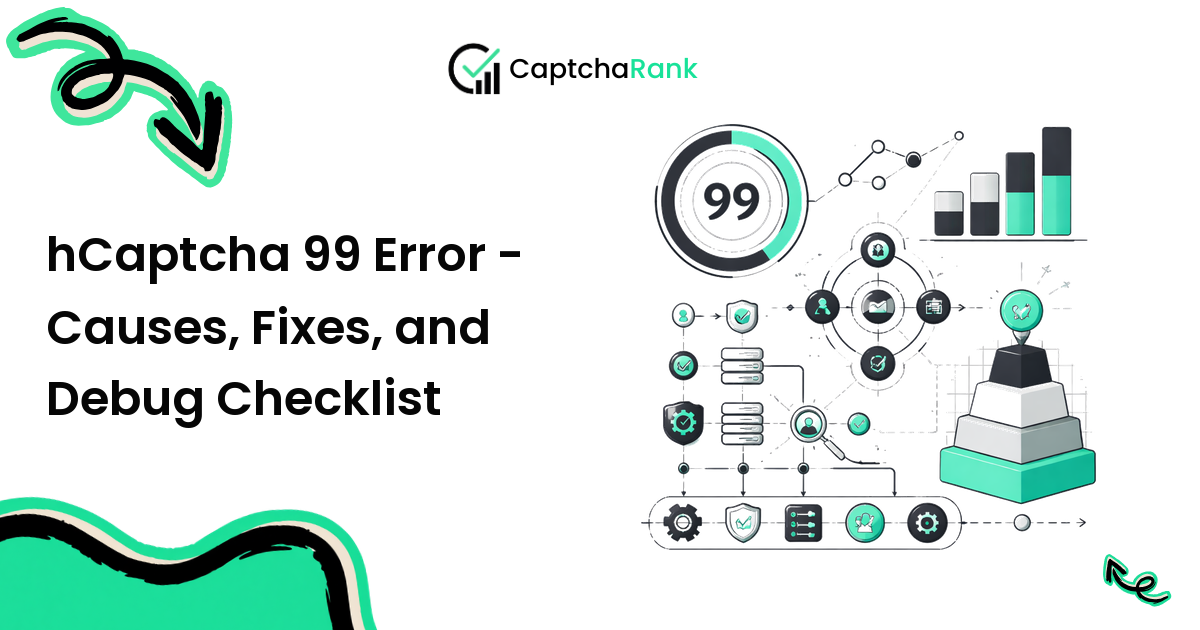
hCaptcha 99 Error usually points to a mismatch between the token, browser session, challenge configuration, or retry logic. The fastest fix is not to switch providers immediately; it is to isolate which layer is failing.
This troubleshooting guide gives you a production-safe checklist for hcaptcha 99 error: what to log, what to test first, and when the problem is actually provider-side.
Fast diagnosis
Start by separating four outcomes:
| Outcome | Meaning | Next step |
|---|---|---|
| No task created | Bad API key, unsupported method, malformed payload | Fix request shape |
| Task times out | Queue pressure, bad challenge parameters, proxy issue | Retry once with fresh task |
| Token returned but rejected | Wrong sitekey, callback, token age, or session mismatch | Inspect integration |
| Challenge never appears | Page changed, WAF block, or routing issue | Debug browser/page state |
This split prevents the common mistake of treating every failure as a solver outage.
What to log
Every failed attempt should log: slug or flow name, provider, CAPTCHA type, sitekey hash, page URL, user agent, proxy label, task ID, create time, solve time, token age at submit, server response, and raw provider error.
Do not log full tokens in shared dashboards. A short hash is enough for correlation. The goal is to make the failure reproducible without leaking credentials or usable challenge responses.
Most likely root causes
The most common root causes are surprisingly mundane. Sitekeys change after a deploy. Front-end callbacks get renamed. A proxy pool starts receiving lower trust scores. Tokens sit in a queue and expire before submission. Error handling retries with the same stale token.
Fix these before changing providers. Provider switching helps when a solver's returned-token rate drops or p95 solve time spikes; it does not fix a broken callback or wrong page URL.
Safe retry policy
Use bounded retries. One fresh task after timeout is reasonable; repeated retries with the same parameters are usually wasted spend. For invalid-token errors, create a fresh browser session or reload the challenge before asking the solver again.
For WAF blocks, stop immediately and inspect policy. A WAF block is not a CAPTCHA failure; it is a decision by the protection layer.
When to escalate
Escalate to provider support when you can provide task IDs, timestamps, challenge type, and a minimal reproduction that proves tokens are invalid despite correct integration. Escalate internally when logs show proxy reputation, page changes, or server-side verification rejects all providers equally.
Production QA checklist
Before you rely on hCaptcha 99 Error in production, test it like an operational dependency rather than a code snippet. Run a small controlled sample, record every solver task ID, and compare returned-token rate with accepted-submit rate. Those two numbers should never be treated as the same metric: a provider can return a token quickly while the protected action still rejects it because the token is stale, the callback was not executed, the wrong page URL was used, or the browser session changed after the challenge loaded.
A useful QA pass includes one clean manual baseline, one automated run without a solver where possible, and one automated run with the selected provider. Capture screenshots and HTML snapshots for failures. Keep provider credentials, proxy labels, and environment names out of screenshots, but preserve enough context that another engineer can reproduce the failure without guessing.
Metrics to track after launch
The operational dashboard should track p50 and p95 solve time, task creation errors, timeout rate, unsolvable rate, accepted-submit rate, token age at submit, and cost per accepted action. Cost per accepted action is the number that matters most for business planning: provider spend divided by successful protected actions, not provider spend divided by returned tokens.
Review these metrics by CAPTCHA type and by provider. Mixed averages hide the exact regressions that hurt teams in production. A provider may be excellent on reCAPTCHA v2 and weak on Turnstile, or stable on normal weekday traffic and unreliable during high-volume launches. When p95 or accepted-submit rate changes suddenly, freeze provider routing, inspect recent site changes, and compare against CaptchaRank live benchmark data before assuming the code broke.
FAQ
Should I retry invalid tokens?
Retry once with a fresh challenge and fresh token. Reusing an invalid token is never useful.
How can I tell whether the solver is down?
Look for provider-wide task creation errors or p95 solve time spikes across multiple flows. If only one site fails, suspect integration or site policy first.
Why do tokens work manually but fail in automation?
The browser session, callback execution, proxy, or token age differs from the manual path. Compare those fields side by side.
What is the best permanent fix?
Instrumentation. Once you log task ID, token age, provider, challenge type, proxy label, and accepted-submit status, most recurring CAPTCHA issues become straightforward.
Compare live CAPTCHA solver performance on CaptchaRank — visit captcharank.com/solvers for the live leaderboard or captcharank.com/compare for head-to-head provider comparisons.