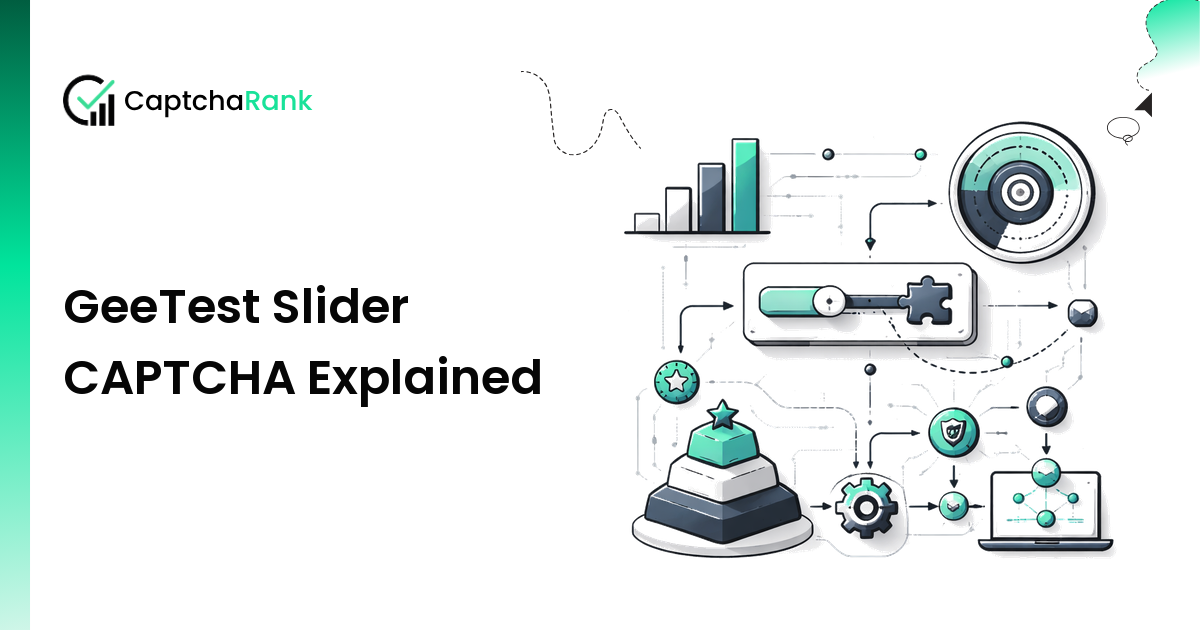
The GeeTest slider — drag the puzzle piece into the gap — looks like the simplest CAPTCHA on the public web. It is not. The displacement value the user submits is the easy part. The trajectory of the drag, sampled at sub-frame intervals and scored against a model of human motion, is the hard part. This article explains exactly what the slider tests for and what a solver actually has to return.
For broader background, see the GeeTest Guide and GeeTest v3 vs v4 differences.
What the user sees
A two-image puzzle: a background image with a piece-shaped notch, and a small puzzle piece floating below it. The user drags the piece horizontally until it locks into the notch. Visual completion is straightforward — the piece "snaps" when it is within ~3 pixels of the correct gap.
What the server actually checks
GeeTest's verify endpoint receives:
- The displacement value — the X coordinate where the user released the piece. A solver computing this from the two images is solved photo-matching, ~98% accurate with modern OCR / template matching.
- The drag trajectory — every
mousemoveevent during the drag, with x/y/timestamp. This is the part that determines pass/fail.
The trajectory is scored on:
- Acceleration profile — humans accelerate and decelerate; bots tend to constant-velocity drag.
- Jitter — humans wobble on the Y axis even when "dragging horizontally". Perfectly straight = bot.
- Pause patterns — micro-pauses at start, mid-motion, and end-of-drag are characteristic.
- Overshoot and correction — humans frequently overshoot the target and back-correct 1–3 pixels. Solvers that drop the piece exactly on the target pixel raise suspicion.
- Total duration — sub-200ms drags are flagged regardless of profile.
Why simple solvers fail
A naive Selenium / Playwright script that does:
page.mouse.down()
page.mouse.move(target_x, slider_y)  # straight line, instant
page.mouse.up()
…will compute the right displacement and still fail verification because the trajectory is one event with no profile.
What a real solver returns
When you call a GeeTest solver provider and pass the slider challenge, the response is not just a number — it includes a synthesized trajectory in the form captcha_output (v4) or as part of geetest_seccode (v3):
{
  "captcha_id": "...",
  "lot_number": "...",
  "pass_token": "...",
  "gen_time": "1714754300",
  "captcha_output": "{\"distance\":126,\"trajectory\":[[0,0,0],[2,1,30],[5,1,55],...]}"
}
The trajectory is an array of [x, y, t] triples that the solver's worker generated to mimic human motion. Your form submission posts captcha_output verbatim — you do not need to re-execute the drag in your browser session.
The browser-vs-API split
Two integration patterns:
A. Browser-driven (Playwright / Selenium): you let the browser load the GeeTest widget, then call the solver to get the displacement + trajectory, then replay the trajectory via page.mouse.move(...) calls. This is the only path when the site validates the drag in JavaScript before submitting (rare but exists).
B. API-only: you fetch the challenge images from the GeeTest API directly, send them to the solver, and POST the resulting captcha_output straight to the site's verify endpoint. No browser. Faster and cheaper. Most sites work with this — see the Python tutorial for full code.
Common pitfalls
- Replaying the trajectory at wrong speed — if you compress the solver's trajectory into a faster drag, the timing checks fail.
- Using a solver that returns only the displacement — some cheap providers only return the X value; the site rejects because no trajectory was submitted.
- Reusing a
pass_token— single-use, ~5-min validity. - Wrong
pageurl— tokens are URL-bound; an integration test againstlocalhostwill not produce a token that works onstaging.example.com.
Provider coverage
Not every provider returns full trajectories. Based on current CaptchaRank benchmark data:
| Solver | Returns trajectory | Avg success | Avg time |
|---|---|---|---|
| CaptchaAI | ✅ | 96% | 9s |
| 2Captcha | ✅ | 94% | 14s |
| Anti-Captcha | ✅ | 95% | 13s |
| CapSolver | ✅ | 95% | 8s |
For full ranking and live scores, see best GeeTest solver.
FAQ
Why does my drag work in dev tools but fail on the live site?
Dev tools manual drags produce a real trajectory. Programmatic mouse.move calls do not.
Can I generate the trajectory myself with a model? Possible but rarely worth it. Open-source GAN-style trajectory generators exist; they hit ~70% success vs ~95% from production solver providers.
Does GeeTest slider work on mobile? Yes — the v4 mobile SDK presents the same challenge with touch events instead of mouse events. The trajectory model accepts both.
Is the slider easier or harder than the GeeTest icon-click challenge? Easier on average — solvers report higher success rates on slider than on icon-click and nine-grid.
See live GeeTest solver performance On captcharank.com/compare — refreshed continuously.