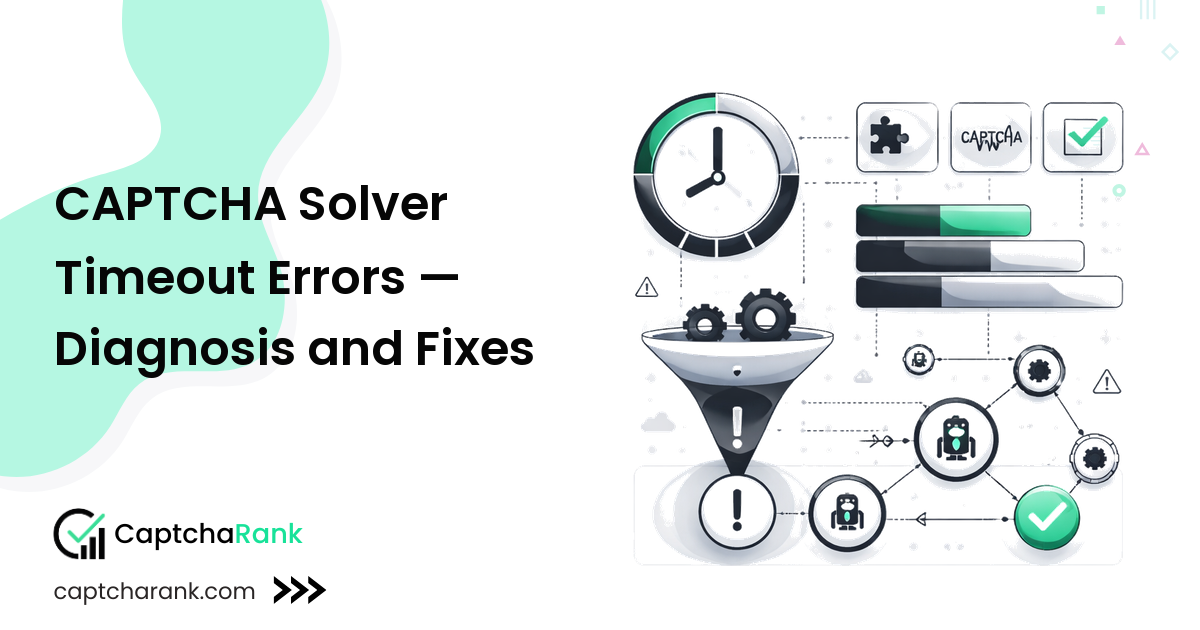
A timeout error means your polling loop completed all attempts without receiving a solved token. This is one of the most common CAPTCHA automation bugs — and almost always fixable by adjusting wait times, retry logic, or the task type being submitted.
For a complete troubleshooting overview, see the CAPTCHA Solver Troubleshooting Guide.
Why Timeouts Happen
CAPTCHA solvers use human workers or AI models to solve challenges. If your polling loop completes before the solver finishes, you get a timeout — even though the solve may complete seconds later.
Causes: 1. Poll window too short — you're not waiting long enough 2. Wrong initial delay — polling starts before workers have had time to accept the task 3. Solver queue overloaded — peak hours cause longer solve times 4. Wrong task type submitted — solver is processing a different challenge format 5. Task never accepted — silent submission error (check your submit response)
Optimal Wait Windows by CAPTCHA Type
| CAPTCHA Type | Initial Delay | Poll Interval | Max Total |
|---|---|---|---|
| reCAPTCHA v2 | 5 seconds | 5 seconds | 120 seconds |
| reCAPTCHA v3 | 8 seconds | 5 seconds | 120 seconds |
| reCAPTCHA Enterprise | 10 seconds | 5 seconds | 120 seconds |
| hCaptcha | 10 seconds | 5 seconds | 120 seconds |
| Cloudflare Turnstile | 5 seconds | 5 seconds | 120 seconds |
| GeeTest v3 | 15 seconds | 5 seconds | 120 seconds |
| GeeTest v4 | 15 seconds | 5 seconds | 120 seconds |
| FunCaptcha | 15 seconds | 5 seconds | 120 seconds |
| Image CAPTCHA | 5 seconds | 3 seconds | 60 seconds |
Most developers set a flat 5-second initial delay for all types. For GeeTest and FunCaptcha, this is the primary cause of premature timeout — the tasks need 15+ seconds before they're likely ready.
Correct Polling Pattern
import time
import requests

def poll_with_correct_timing(
    api_key: str,
    task_id: str,
    initial_delay: float = 5.0,   # Set per CAPTCHA type (see table above)
    poll_interval: float = 5.0,
    max_polls: int = 24,           # 5s × 24 = 120s total max
) -> str:
    time.sleep(initial_delay)

    for attempt in range(max_polls):
        r = requests.get(
            "https://ocr.captchaai.com/res.php",
            params={"key": api_key, "action": "get", "id": task_id, "json": 1},
            timeout=30,
        )
        data = r.json()

        if data.get("status") == 1:
            return data["request"]  # Token received

        error = data.get("request", "")
        if error not in ("CAPCHA_NOT_READY", "CAPTCHA_NOT_READY"):
            raise RuntimeError(f"Unexpected error at poll {attempt + 1}: {data}")

        time.sleep(poll_interval)

    raise TimeoutError(f"Task {task_id} did not resolve within {initial_delay + max_polls * poll_interval:.0f}s")
Diagnosing Persistent Timeouts
1. Verify your submit response
Before blaming the poll, confirm the task was accepted:
def submit_and_log(payload: dict) -> str:
    r = requests.post("https://ocr.captchaai.com/in.php", data=payload, timeout=30)
    data = r.json()
    print(f"Submit response: {data}")   # Always log this during debugging

    if data.get("status") != 1:
        raise RuntimeError(f"Submission failed — task ID never issued: {data}")
    return data["request"]
If the submit response is an error (not status 1), there is no task to poll — fix the submission first.
2. Check solver status page
CaptchaAI and most solvers publish a real-time status page. Extended queue depths (>30s average) at peak hours explain timeouts with correct polling code. Solutions: - Retry after a few minutes - Switch to a less loaded solver for the session
3. Confirm you're checking the right task ID
If you're running concurrent tasks, make sure you're polling the task ID from the same submit call, not a stale ID from a previous run.
4. Check the site key is valid
A task submitted with an invalid site key may sit in a NOT_READY state until the worker eventually fails it as UNSOLVABLE. If you see tasks consistently taking 90+ seconds and then returning UNSOLVABLE, re-extract the site key directly from the live page.
Retry Pattern with Timeout Recovery
def solve_with_timeout_retry(
    api_key: str,
    page_url: str,
    site_key: str,
    captcha_type: str = "recaptcha_v2",
    max_retries: int = 3,
) -> str:
    # Select wait windows per type
    timing = {
        "recaptcha_v2": (5, 5, 24),
        "recaptcha_v3": (8, 5, 24),
        "hcaptcha": (10, 5, 24),
        "geetest": (15, 5, 24),
        "funcaptcha": (15, 5, 24),
    }
    initial, interval, polls = timing.get(captcha_type, (5, 5, 24))

    for attempt in range(1, max_retries + 1):
        try:
            task_id = submit_task(api_key, page_url, site_key, captcha_type)
            return poll_with_correct_timing(api_key, task_id, initial, interval, polls)
        except TimeoutError as e:
            print(f"Retry {attempt}/{max_retries}: {e}")
            if attempt == max_retries:
                raise
Related Guides
- CAPTCHA Solver Troubleshooting Guide — full troubleshooting overview
- CAPTCHA Solver API Errors — error codes and fixes
- CAPTCHA Solver Low Success Rate — when tokens are returned but rejected
Production Readiness Notes
Use CAPTCHA Solver Timeout Errors — Diagnosis and Fixes as a decision and implementation aid, not just as a one-time reference. The practical test for captcha solver timeout errors is whether the same approach behaves reliably when traffic is messy: rotating sessions, expired tokens, changing widget parameters, intermittent solver delays, and target pages that refresh without warning. For Developer debugging CAPTCHA automation issues, the safest rollout is to start with a narrow fixture, record every submitted task, and compare the solver response with the browser state that finally submits the form. That makes failures explainable instead of mysterious, especially when a target alternates between visible challenges, invisible checks, and server-side verification.
Evaluation Criteria
A troubleshooting guide should change one variable at a time and record the before-and-after result; otherwise proxy, token, and page-state bugs blur together. For troubleshooting work, the most useful scorecard combines technical acceptance with operational cost. A low nominal price is not enough if retries double the real cost per accepted token, and a fast median solve time is not enough if p95 latency stalls the queue. Track these criteria before you standardize the workflow:
- The challenge subtype, sitekey, action, rqdata, blob, captchaId, or page URL used for each task.
- Median and p95 solve time, separated by provider and target domain.
- Accepted-token rate on the target page, not just successful API responses.
- Retry count, timeout count, zero-balance incidents, and invalid-parameter errors.
- The exact browser, proxy region, and user-agent that submitted the solved token.
Rollout Checklist
Before this guidance moves into a production job, build a small acceptance suite around the pages that matter most. Run it with a fixed browser profile, then repeat with the proxy and concurrency settings you expect in production. Keep the first release conservative: bounded polling, clear timeout handling, and a fallback path when the solver cannot return a usable answer. For troubleshooting, preserve the original request payload, solver response, page URL, sitekey, proxy, and browser fingerprint before changing multiple variables. That checklist keeps the article useful after the first copy-paste, because the integration is judged by end-to-end completion rather than by whether a code sample returned a string.
Monitoring Signals
Healthy CAPTCHA automation is observable. Log the task id, provider, challenge type, target host, queue time, solve time, final submit status, and normalized error code for every attempt. Review those logs in daily batches at first, then move to alerts once the baseline is stable. Sudden drops usually come from target-side changes: a new sitekey, a changed action name, a stricter hostname check, an added managed challenge, or a proxy pool that no longer matches the expected geography. When you can see those shifts quickly, provider switching becomes a controlled decision instead of a late-night rewrite.
Maintenance Cadence
Revisit the setup whenever the target UI changes, when the solver provider changes task names or pricing, or when benchmark data shows a sustained latency or solve-rate shift. Keep one known-good fixture for each CAPTCHA subtype and rerun it after dependency upgrades, browser updates, and proxy changes. If the article is used for vendor selection, repeat the same fixture across at least two providers before renewing a balance or migrating the whole pipeline. That habit keeps captcha solver timeout errors work aligned with the real target behavior rather than with stale assumptions.